 Bán hàng
 Bất động sản
 Du lịch
 Dược phẩm
 Điện máy
 Mỹ phẩm
 Xe cộ
Xe cộ Thực phẩm
 Thời trang
 Kiến trúc – Nội thất
 Thẩm mỹ viện, spa
Tự Lưu ảnh website khác về khi copy ảnh vào bài viết trong wordpress
Khi bạn Copy bài viết từ các nguồn khác nhau về Web của mình thì phần Link ảnh vẫn ở Web gốc. Điều này có ưu điểm là bạn sẽ tiết kiệm dung lượng và băng thông cho Hosting. Nhược điểm của nó là không tốt cho SEO và bạn sẽ phải phụ thuộc vào web gốc. Nếu nó bị die thì web của bạn bị ảnh hưởng load chậm hoặc không load được ảnh.
Thường thì các bạn tự tải ảnh về, đổi tên cho hợp lý rồi Up lên Hosting. Plugin QQWorld Auto Save Images sẽ giúp bạn giải quyết được vấn đề này.
Ngoài ra bạn có thể dùng đoạn code bên dưới vào file Functions.php
class Auto_Save_Images{

 function __construct(){

 add_filter( 'content_save_pre',array($this,'post_save_images') );
 }

 function post_save_images( $content ){
 if( ($_POST['save'] || $_POST['publish'] )){
 set_time_limit(240);
 global $post;
 $post_id=$post->ID;
 $preg=preg_match_all('/<img.*?src="(.*?)"/',stripslashes($content),$matches);
 if($preg){
 foreach($matches[1] as $image_url){
 if(empty($image_url)) continue;
 $pos=strpos($image_url,$_SERVER['HTTP_HOST']);
 if($pos===false){
 $res=$this->save_images($image_url,$post_id);
 $replace=$res['url'];
 $content=str_replace($image_url,$replace,$content);
 }
 }
 }
 }
 remove_filter( 'content_save_pre', array( $this, 'post_save_images' ) );
 return $content;
 }

 function save_images($image_url,$post_id){
 $file=file_get_contents($image_url);
 $post = get_post($post_id);
 $posttitle = $post->post_title;
 $postname = sanitize_title($posttitle);
 $im_name = "$postname-$post_id.jpg";
 $res=wp_upload_bits($im_name,'',$file);
 $this->insert_attachment($res['file'],$post_id);
 return $res;
 }

 function insert_attachment($file,$id){
 $dirs=wp_upload_dir();
 $filetype=wp_check_filetype($file);
 $attachment=array(
 'guid'=>$dirs['baseurl'].'/'._wp_relative_upload_path($file),
 'post_mime_type'=>$filetype['type'],
 'post_title'=>preg_replace('/\.[^.]+$/','',basename($file)),
 'post_content'=>'',
 'post_status'=>'inherit'
 );
 $attach_id=wp_insert_attachment($attachment,$file,$id);
 $attach_data=wp_generate_attachment_metadata($attach_id,$file);
 wp_update_attachment_metadata($attach_id,$attach_data);
 return $attach_id;
 }
}
new Auto_Save_Images();
Xem thêm:
- 3 thủ thuật “nhỏ nhưng có võ” giúp website của bạn chuyên nghiệp hơn ngay lập tức
- Flatsome WooCommerce WordPress Theme [Update Liên tục]
- Cảnh giác web dính virut khi khôi phục xong không gỡ plugin Duplicator
- Agent Ransack: Phần mềm tìm kiếm file
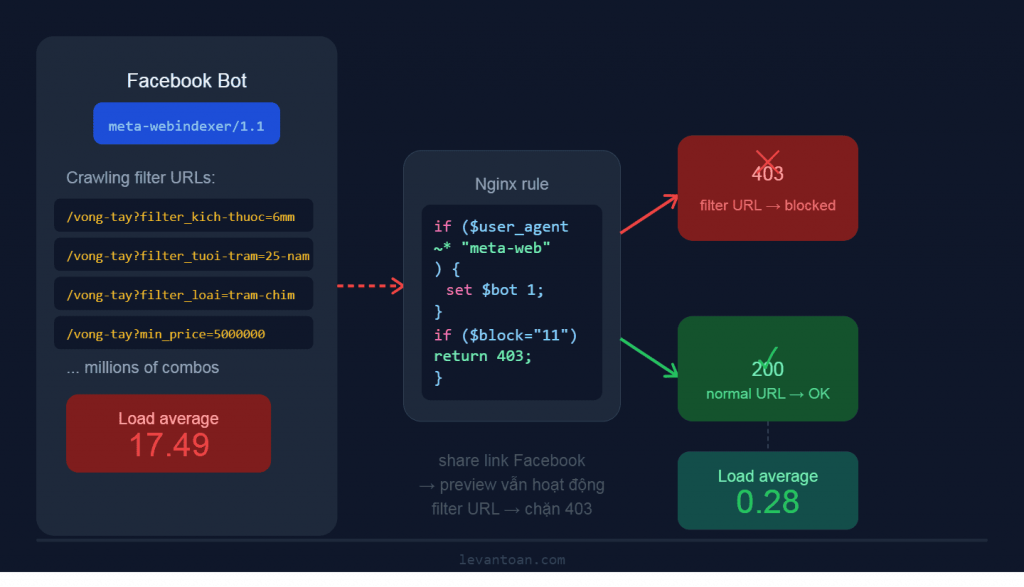
- Fix lỗi Meta Crawler Cào Filter URL khi dùng YITH Product Filter— Làm Lag Server WooCommerce
Bài viết cùng chủ đề:

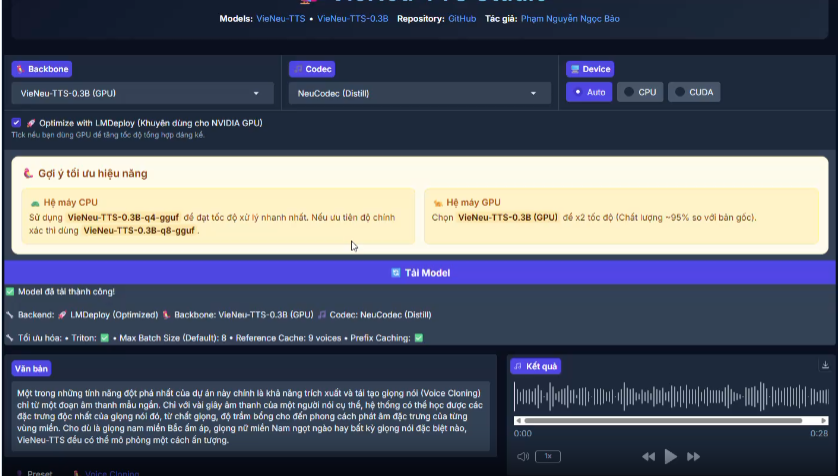
Hướng dẫn cài đặt tool Text to speech giọng đọc tiếng Việt Trên máy tính

Nắm Vững WordPress: Bí Quyết Chọn Theme và Thiết Kế Website Chuyên Nghiệp
Bí Quyết Thiết Kế Website WordPress Chuyên Nghiệp: Từ Lựa Chọn Theme Đến Thủ Thuật Tối Ưu
Nắm Vững Nghệ Thuật Thiết Kế Website WordPress: Thủ Thuật, Theme & Tối Ưu
3 thủ thuật “nhỏ nhưng có võ” giúp website của bạn chuyên nghiệp hơn ngay lập tức
Bí Quyết Thiết Kế Website Chuyên Nghiệp: Từ Font Chữ Đến Tối Ưu WordPress

Fix lỗi Meta Crawler Cào Filter URL khi dùng YITH Product Filter— Làm Lag Server WooCommerce

Theme wordpress bán hàng miễn phí

Mua theme wordpress giá rẻ

Top 3 mẫu website du lịch cực đẹp, cực chất thiết kế theo phong cách hiện đại 2026

Flatsome WooCommerce WordPress Theme [Update Liên tục]

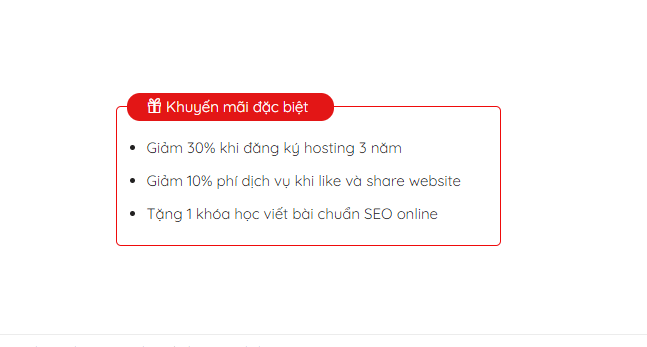
Hướng dẫn tạo khung khuyến mãi đẹp trong flatsome

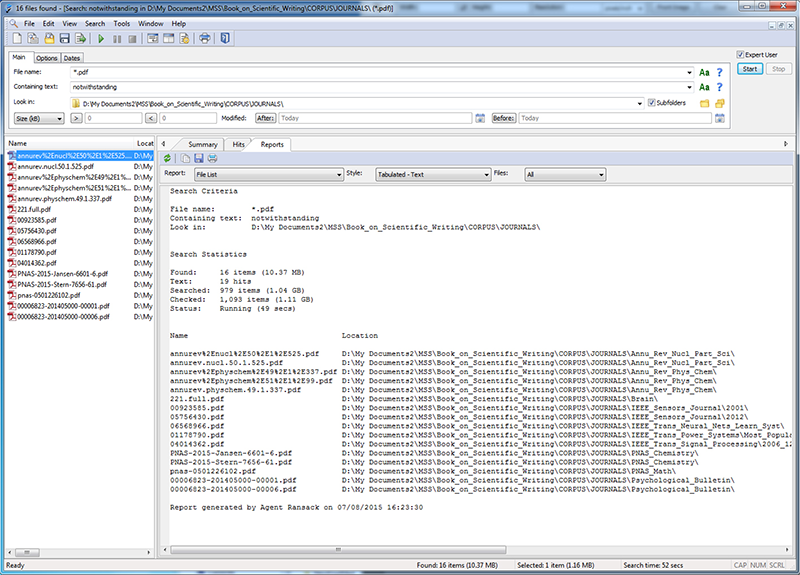
Agent Ransack: Phần mềm tìm kiếm file

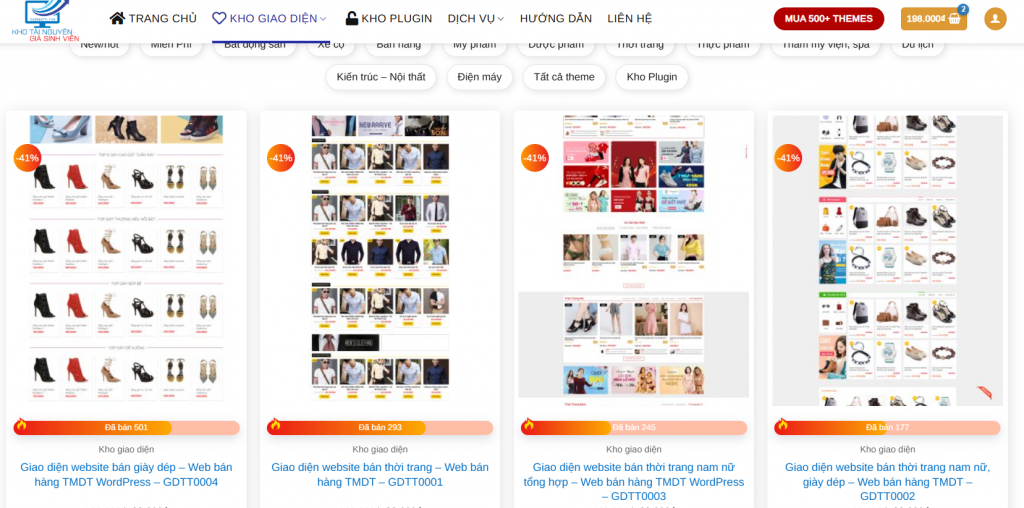
Danh sách mẫu website thời trang miễn phí

Cảnh giác web dính virut khi khôi phục xong không gỡ plugin Duplicator

Thêm hiệu ứng ánh sáng khi hover ảnh sản phẩm Woocommerce bằng CSS